
Pikashow APK v94 Download for Android – Latest 2026
Enjoy endless entertainment with the Pikashow App! Discover movies, TV shows, live sports, podcasts, and much more in one place. Click the download button to get the latest version for Android and explore your favorite content.
Updated: OCT-2026
Version: v94
Category: Fun
Platform: Android
Looking for information about Pikashow APK? Welcome to Picassoz.xyz, your guide to the Pikashow app, its features, compatibility, installation process, and entertainment options. Here, you can explore what the app is designed for, learn how it works, and understand the important things to consider before installing an Android APK.
Whether you enjoy movies, TV shows, web series, sports, or other video content, this guide will help you learn about Pikashow and decide whether it meets your entertainment needs.

Explore the Pikashow APK guide below to learn about its features, installation requirements, and available alternatives.
What Is Pikashow APK?
Pikashow APK is the name commonly associated with a third-party Android entertainment application. It is discussed by users interested in accessing movies, television programs, web series, and live-streaming content through a mobile interface.
Unlike applications distributed through official app stores, APK files can be installed manually on compatible Android devices. However, availability, content selection, and functionality may vary between versions and download sources.
Before installing Pikashow, users should check the source of the APK, review the permissions it requests, and understand whether the content they access is legally available in their region.
Key Features of Pikashow APK
The features associated with Pikashow may vary depending on the particular version. The following are the main areas users typically investigate when exploring the application.
1. Entertainment Content
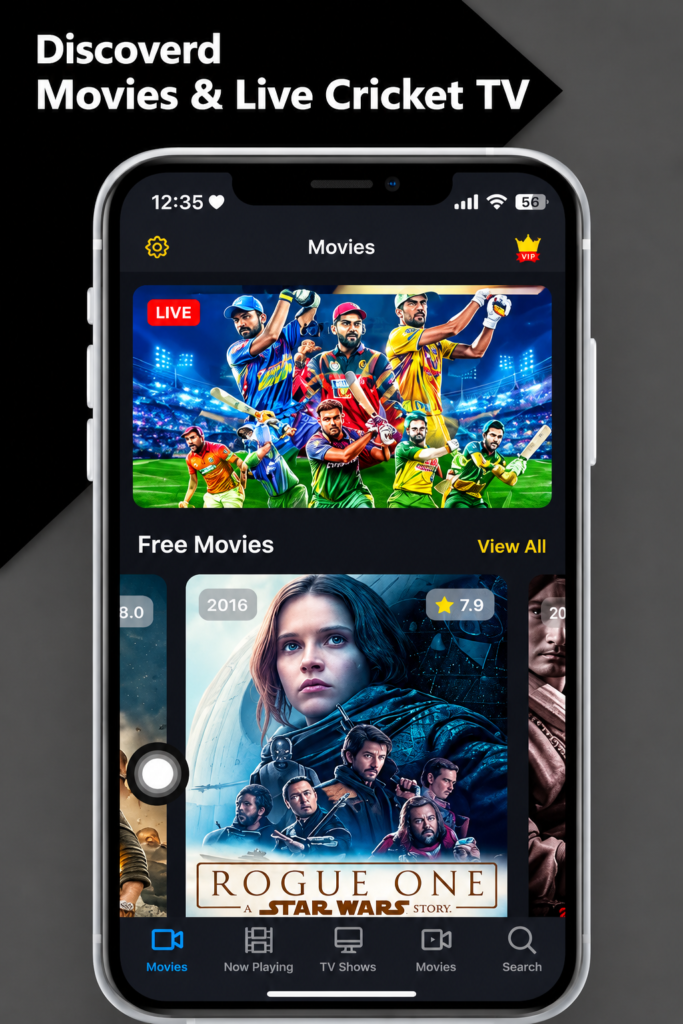
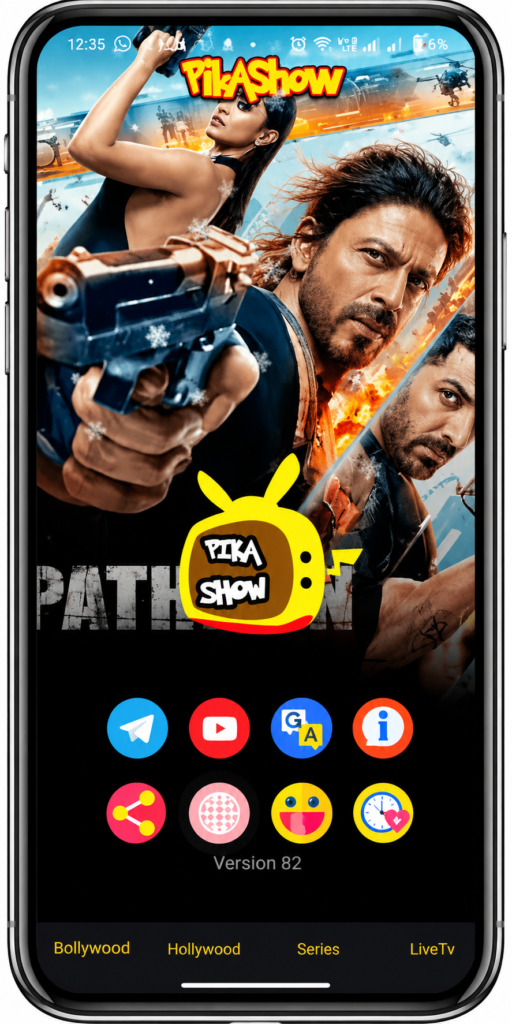
Movies and television programs are among the main reasons people search for Pikashow. Depending on the version and available sources, the app may provide different categories of video content for users to explore.
2. Live TV and Sports
Some versions or services associated with Pikashow advertise live television and sports streaming. Availability can depend on the stream source, location, and whether the relevant broadcast is accessible.
Always choose authorized sources when watching live sports, news, and television channels.
3. Simple Navigation
A straightforward interface can make an entertainment application easier to use. When evaluating Pikashow, look for clear menus, useful search options, and an organized way to browse available content.
4. Video Playback Options
Video quality and playback performance can depend on your internet connection, Android device, and the video source. A stable connection generally helps reduce interruptions while streaming.
5. Different Entertainment Categories
Users searching for entertainment apps often want access to multiple types of content in one place. Before relying on any particular APK, check which categories are actually available in that version rather than assuming every advertised feature will work.
6. Mobile Friendly Viewing
Android applications can offer a convenient way to explore entertainment on a phone or tablet. The actual experience depends on the app’s compatibility, interface, and performance on your device.

Pikashow APK Information
Here is a quick overview of the details to check before downloading an APK.
|
Detail |
Information |
|
App name |
Pikashow |
|
Application type |
APK |
|
Category |
Entertainment |
|
Intended platform |
Android |
|
Installation method |
APK installation, if compatible |
|
Version |
v94 |
|
File size |
20 MB |
|
Cost |
Free |
|
Developer |
Flex Entertainment LTD |
Important: Version numbers, file sizes, compatibility requirements, and update dates should be verified against the specific file being offered. This website does not assume that a particular release is official or safe simply because it is advertised as the latest version.
How to Download Pikashow APK for Android
If you are considering installing Pikashow, follow these general precautions when handling an Android APK file.
Step 1: Check the Download Source
Find out who provides the APK and whether the publisher can be verified. Avoid unfamiliar download pages that display misleading buttons, unexpected redirects, or promises that cannot be confirmed.
Step 2: Verify the APK File
Check the file name, size, version information, and available security information. Scan the downloaded file with a reputable security tool before opening it.
Step 3: Review Installation Permissions
Android may ask you to authorize installation from a particular source when installing an APK outside Google Play. Only grant this permission when necessary, and disable it again when you have finished.
Step 4: Install Only If You Trust the File
Open the APK through your device’s file manager and follow Android’s installation instructions if the file has passed your checks. Stop if your device displays a security warning or the application requests unrelated or excessive permissions.
Step 5: Test the Application Carefully
If installation completes, review the application’s permissions and behavior. Remove it if you notice suspicious advertisements, unexpected downloads, unusual permission requests, or other signs of unsafe activity.

Can You Use Pikashow on a PC or Smart TV?
Pikashow is generally discussed as an Android application, so compatibility with other devices should be checked carefully.
- Windows PC: Some Android applications can run through compatible Android emulators, but this does not guarantee that Pikashow will work correctly.
- Android TV: APK compatibility depends on the device, Android version, controls, and application design.
- iPhone and iPad: Do not assume that an Android APK can be installed on iOS. Look for a legitimate iOS application or an authorized streaming service instead.
Before attempting installation on any device, check the software requirements and avoid unofficial files claiming compatibility without reliable evidence.
Is Pikashow Safe to Use?
Safety is an important consideration when installing applications from outside official app stores. An APK file may be modified, bundled with unwanted software, or distributed by a source that does not have permission to provide the content.
Keep these precautions in mind:
- Download applications only from sources you can reasonably verify.
- Scan APK files with reputable security software.
- Review requested permissions before installation.
- Never provide sensitive account details to an unverified application.
- Keep Android and your other applications updated.
- Uninstall applications that behave suspiciously.
A security scan can help identify certain threats, but it cannot guarantee that an application is completely safe. Picassoz.xyz recommends careful verification before installing third-party software.

Is Pikashow Legal?
The legal status of an application depends on the content it provides, the rights held by its distributors, and the laws applicable in your location.
An application does not automatically have permission to distribute a movie, television program, or live sports broadcast simply because the content can be accessed through it. Check whether the relevant content is licensed and use authorized streaming services whenever possible.
Pikashow Alternatives for Watching Movies and TV Shows
If Pikashow does not meet your needs, consider established streaming services that provide licensed entertainment.
Netflix
Netflix offers movies, television series, documentaries, and original productions through its subscription service. Its catalogue and available plans vary by region.
Amazon Prime Video
Prime Video provides a selection of movies and series, with availability and pricing depending on your country and account.
YouTube
YouTube offers free and paid video content from a wide range of creators, broadcasters, and rights holders. Availability depends on the individual video and region.
Official TV and Sports Apps
For live sports, news, and television, consider the official applications or websites of broadcasters with rights to the content you want to watch.
Choosing a legitimate service can provide clearer information about subscriptions, content availability, customer support, and account security.
Frequently Asked Question
Final Words
Pikashow APK is a frequently searched name among users exploring Android entertainment applications. Before choosing a version, take time to understand its features, compatibility, security considerations, and the legal status of the content it offers.
At Picassoz.xyz, our aim is to provide clear and practical information that helps readers make informed decisions about entertainment apps and Android software. Verify important details before downloading any file, and prefer trusted sources and authorized streaming platforms for a more reliable experience.
Disclaimer: Picassoz.xyz is an informational website and is not affiliated with or endorsed by the developers or rights holders of Pikashow unless explicitly stated. All trademarks and brand names belong to their respective owners. Users are responsible for complying with applicable laws and verifying the safety and legitimacy of any software they choose to install.